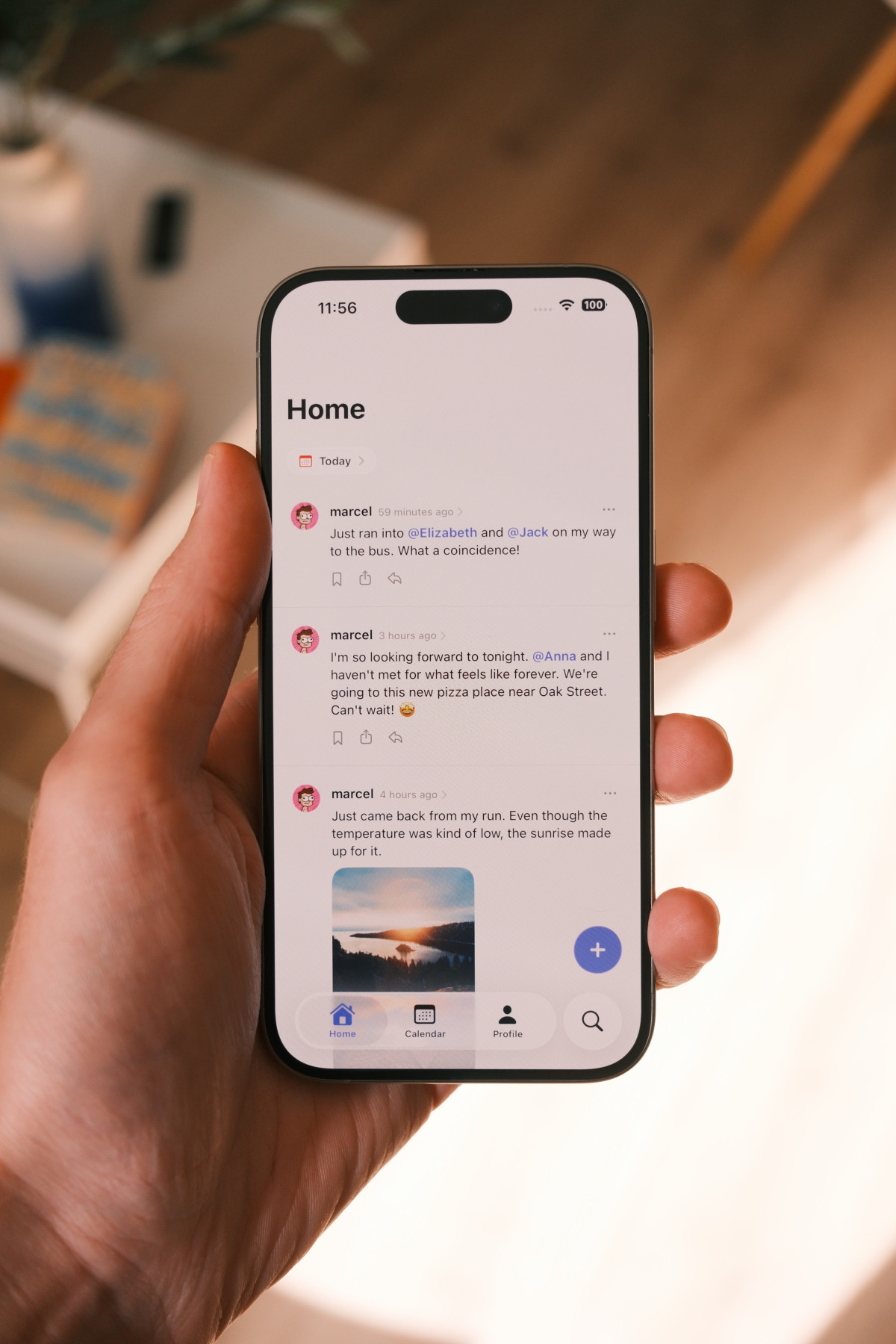
A couple of months ago, I wondered if micro-blogging and journaling could be combined. Something about sending off small posts feels different from crafting a whole journal entry. I’ve been journaling the classic way for years, but I often felt like I was just going through the motions because I had to. It wasn’t fun, just another task.
So I built myself a complicated solution using Apple Shortcuts and Obsidian to prototype my vision of a short-form journaling experience. Tap an icon, a text field opens, and I can quickly jot down what I’m doing or thinking about. The result was a Markdown file with timestamps and those entries. That felt surprisingly good. It was fun to open the app and quickly note what I was doing whenever I had a few seconds of downtime. Far better than doomscrolling.